Email address is not accepted by a website
Occasionally, some websites may not accept email addresses with unknown or non-standard domains, including the ones used for aliases or temporary emails.
Domain is the part of an alias address that comes after the @ symbol.
If an alias isn’t accepted
-
Consider upgrading to a full version for more domains — the full version offers multiple alias domains.
-
The problem also might be in subaddressing — a special tag used to filter emails in the mailbox. An email with subaddressing looks like this:
alias+tag@adguardmail.com, and some websites might not accept the domains with a +. If you are using an alias with subaddressing, try one without it.
If the problem persists, let us know about your alias issue directly from the app (see below) or by contacting support.
How to report alias or temporary address issues
You can report an issue with your alias or temporary address without leaving the app.
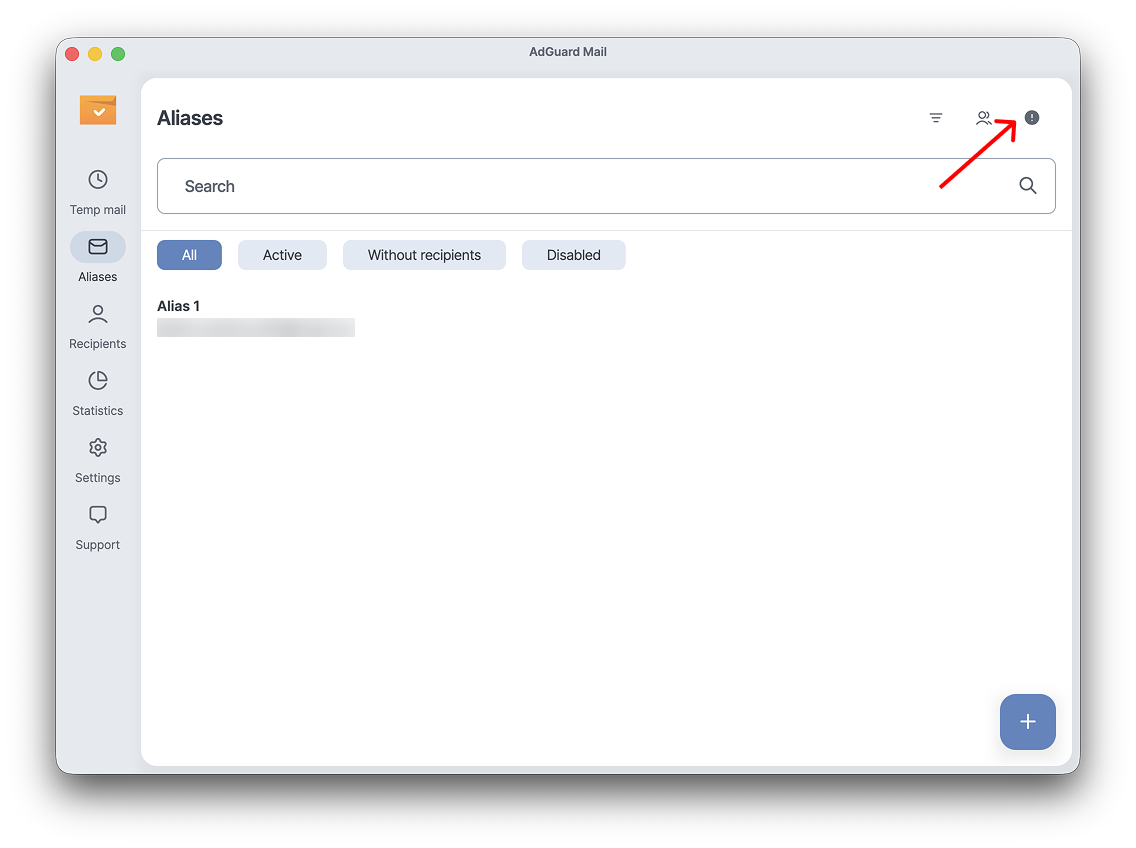
Go to Aliases and click the exclamation mark icon in the top-right corner.
If a website or service won’t accept your alias, choose Address not accepted by the website in the pop-up window. You’ll then be taken to the AdGuard Mail feedback form.
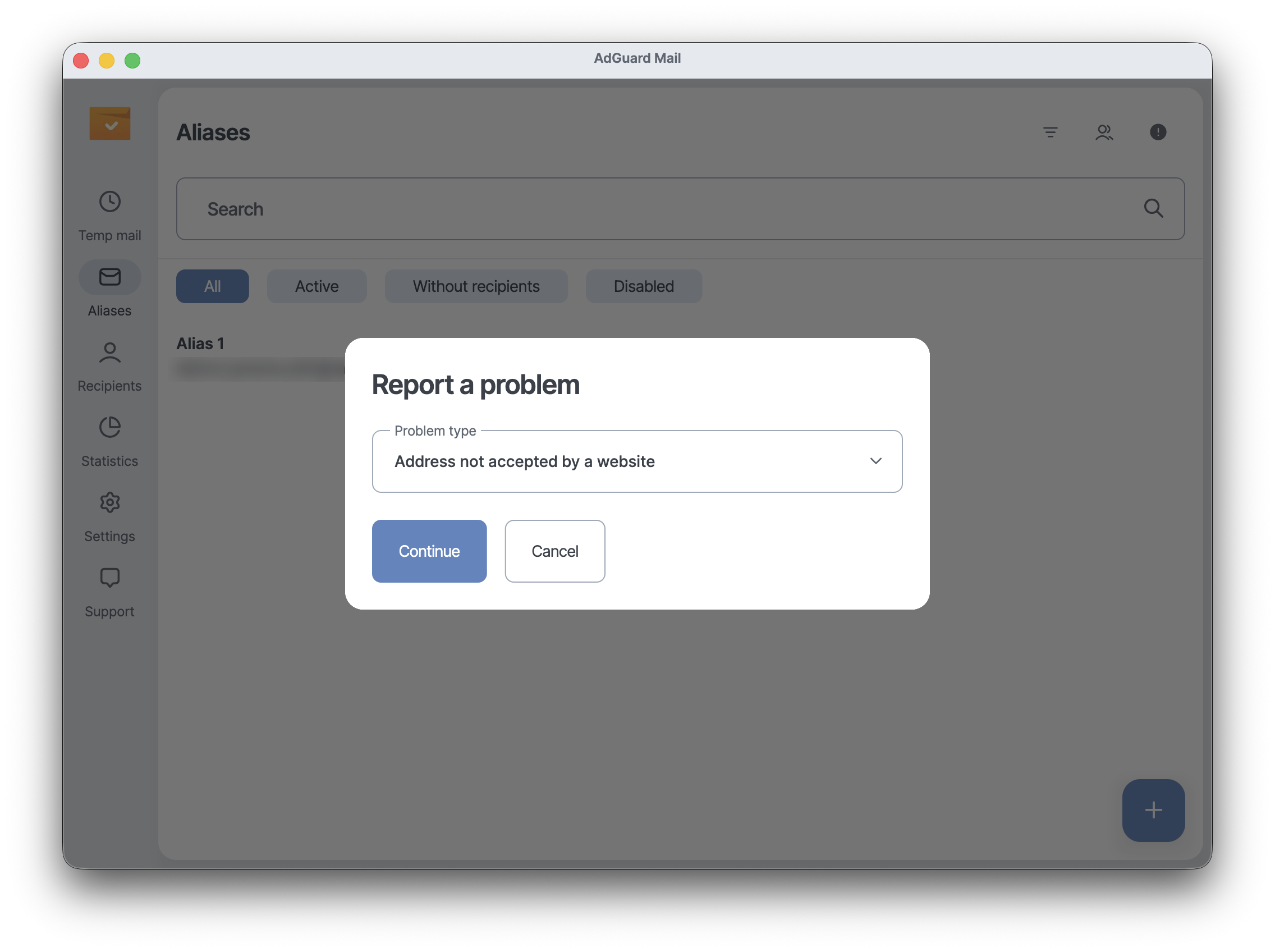
For any other issue, click Other, then Continue. You’ll be able to describe the issue in detail and send it to our support team.
Once submitted, your report is passed on to the AdGuard Mail team for analysis. This helps us identify which websites don’t accept alias domains and improve compatibility.
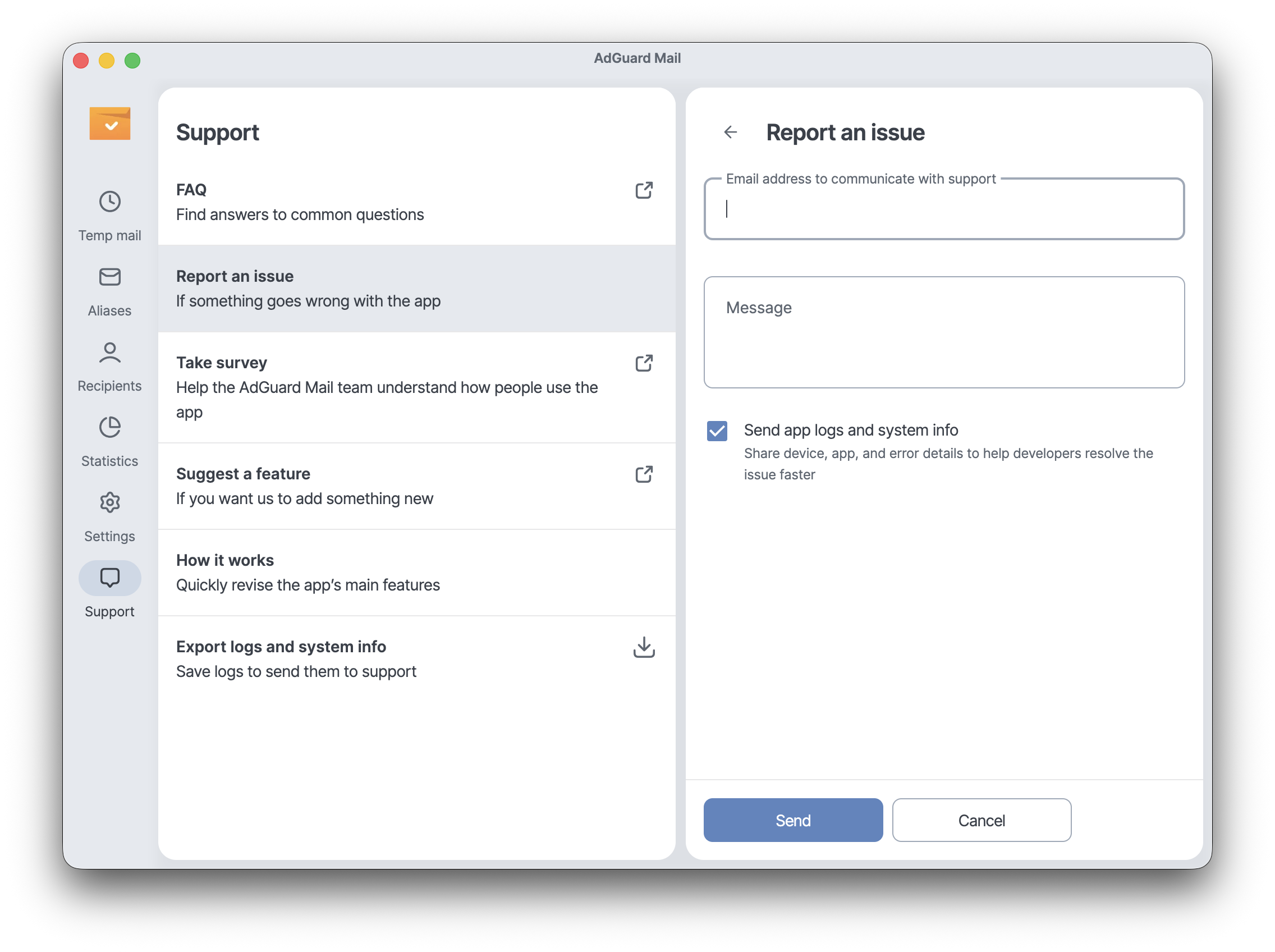
Alternatively, you can contact our support team via Support → Report an issue or at support@adguard-mail.com.