Protect your inbox and privacy with AdGuard Mail
Get temp email addresses
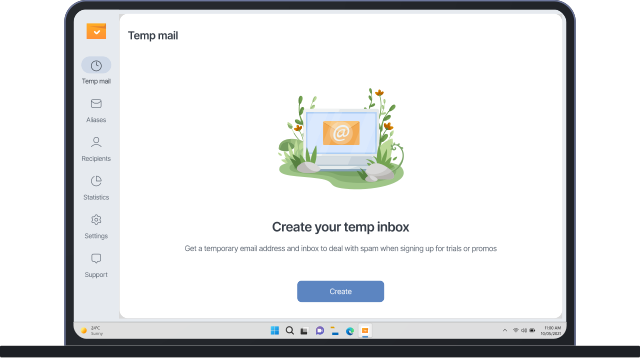
Need to sign up for something but not interested in any further communication? Use our disposable email addresses for these quick interactions

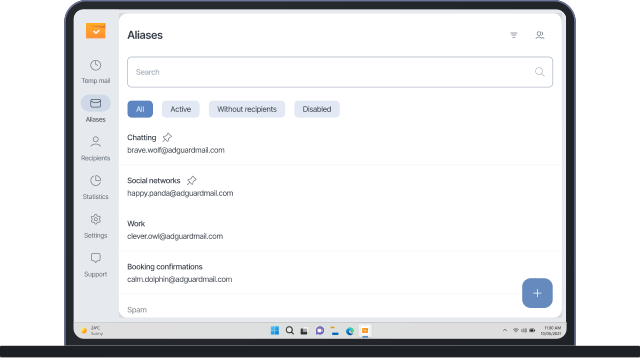
Use email aliases
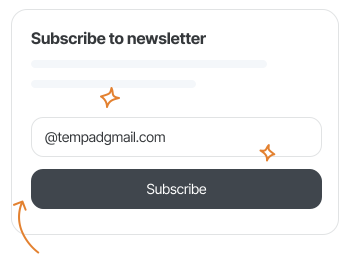
Want to receive a newsletter or even share it with friends but don’t want to give out your email address? An alias, a forwarding email address, is what you need
How our temporary mail works
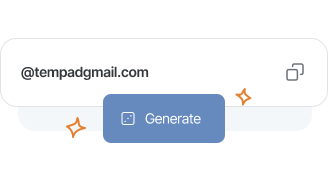
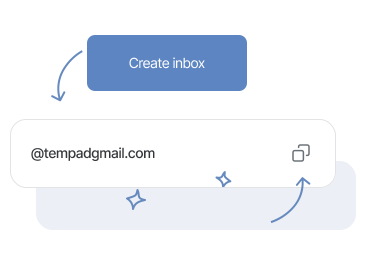
Generate a temporary email address in the app
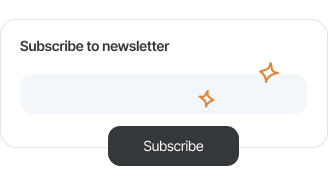
Use your temporary address online
Receive emails in your AdGuard Mail inbox
Try aliases with AdGuard Mail — our free email forwarding service
How aliases work
Create your alias
Link the alias to your address
Use the alias to get emails
usevouchify.com Really easy and convenient to set up and use. Was very useful when we were actually testing an application that involved us creating multiple accounts. Really recommend it for B2B clients.
Thaban Please help to download adguard mail apk
Random person AdGuard is a great website that I use often so I don't have to use my email for websites. There are free versions that work for what I use AdGuard for, the only bad thing is the website has you login two times when trying to use the mail, but I don'1
Mila Best service I have ever used I will tell friends about this because sometimes some of them complain because they can't get a second email but with adguard that is possible even for free which is such a great and amazing thing that nobody else does.
Abel Great temporary email service. Love the app

Why choose AdGuard Mail?

Mix and match solutions

Get an app for any platform

Trust your developer

Protect your privacy
Pick the plan that’s right for you
Temp mail inboxes
Aliases
Recipients
Monthly forwarded emails
Anonymous replies
Premium domains for aliases and Temp mail
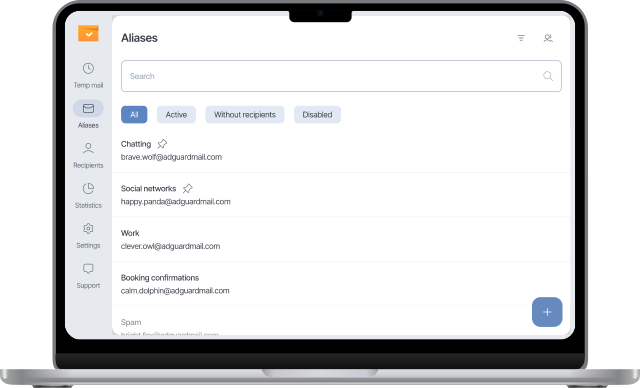
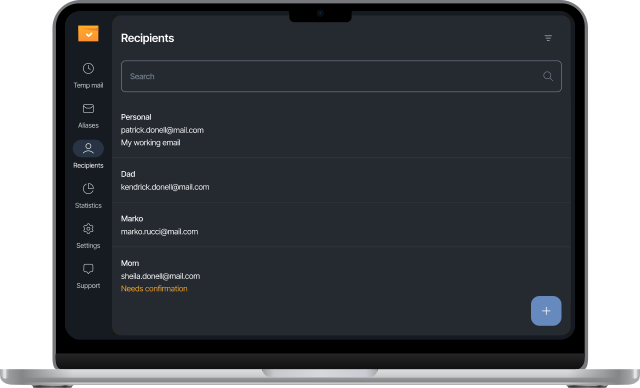
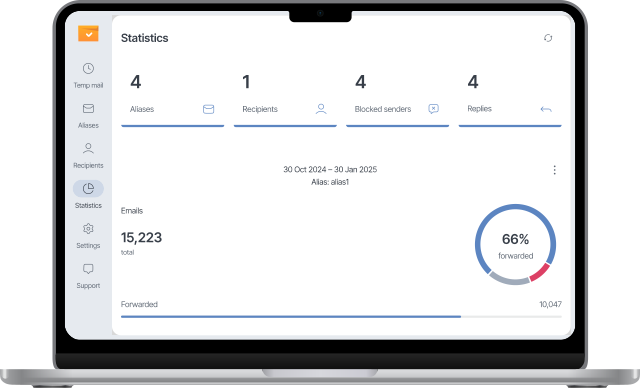
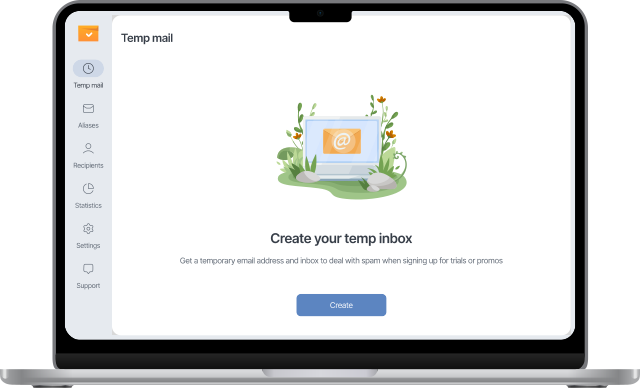
AdGuard Mail for Mac
AdGuard Mailfor Windows
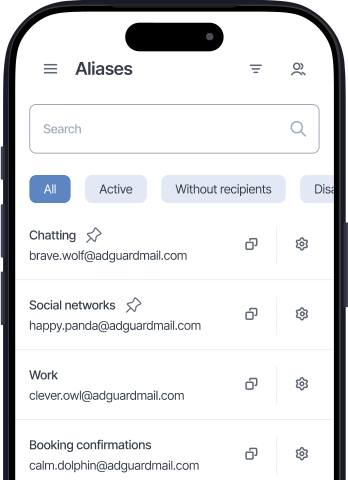
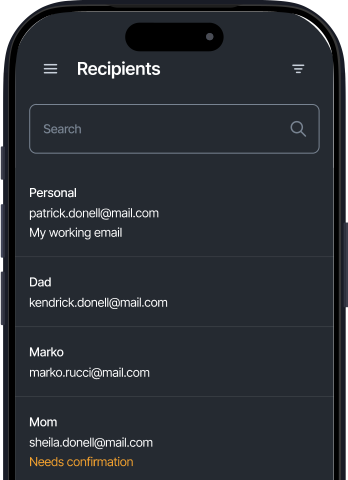
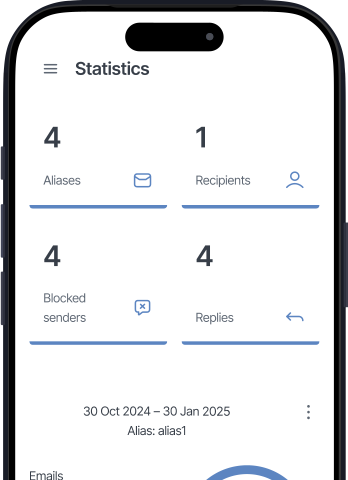
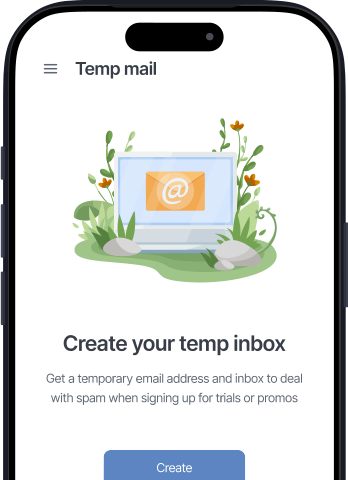
AdGuard Mail for iOS

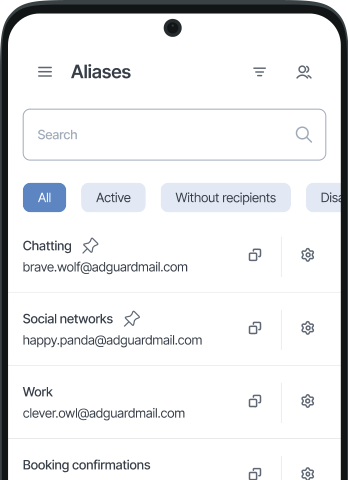
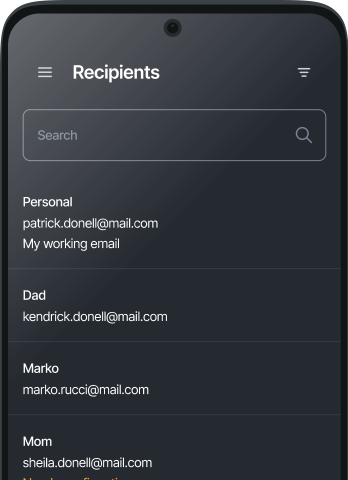
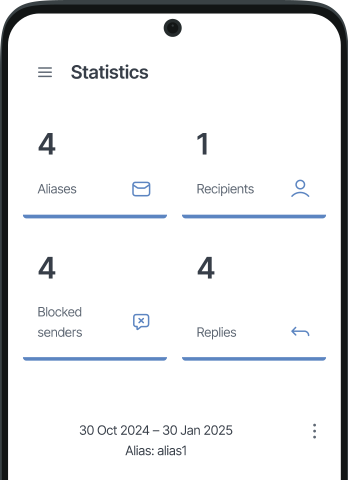
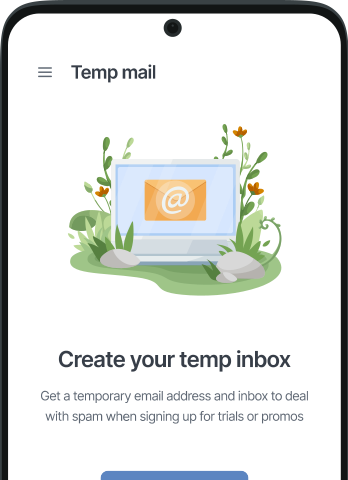
AdGuard Mailfor Android

FAQ
Temporary email addresses
- Aliases are forwarding email addresses. Messages sent to aliases are forwarded to your primary mailbox, called the recipient. To read and manage such messages, go to your primary email service.Aliases are perfect for long-term interactions. You can keep the messages in your primary mailbox for as long as you like. Deleting or disabling an alias won’t delete the messages in your primary mailbox. If you re-enable an alias, you will continue to receive messages sent to it.Temporary email addresses don’t forward emails by default. However, you can manually forward received messages to one of your confirmed recipients.Messages sent to your temporary addresses appear in your inboxes in the AdGuard Mail app.Temporary email addresses are perfect for one-time interactions, such as receiving a promo code or signing up for a trial. After receiving the desired message, you can generate a new email address. This will delete the previous address and its messages, and you won’t receive any follow-up emails.
- You can’t reply from temporary addresses. If you expect a conversation, try using an alias instead. Replies from aliases are available in the full version.Temp mail supports email forwarding to one of your confirmed recipients. You get one by logging in or creating an account. To forward a message, click the forward icon in the upper right corner.
- You can’t recover deleted messages. Be sure to write down any important information before you delete an email.
- If you create a Temp mail inbox without an account, it’s deleted automatically — after a week of no use, or after 6 months of regular use.If you log in or create an account, auto-deletion no longer applies. The inbox stays until you delete it, change its address, or delete your AdGuard account. All these actions permanently remove the current address.
- No, temporary email addresses don’t accept attachments. If you’re expecting emails with attachments, use an alias instead. Our email alias service supports messages with attachments.
- It will be deleted along with its messages, and you won’t be able to recover it. Be sure to check your temporary inbox for important messages before changing the temporary email address.
Aliases and recipients
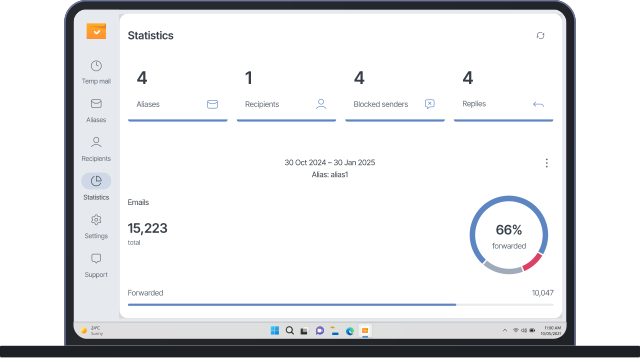
- An alias is a special forwarding email address that you can use to receive emails when you want to hide your private email address.The free version has a limit on the number of emails you can send via our email forwarding service. Check the limit in the subscription plan overview or the Statistics section of the app.If you want to remove the limit and get access to advanced features, upgrade to the full version.
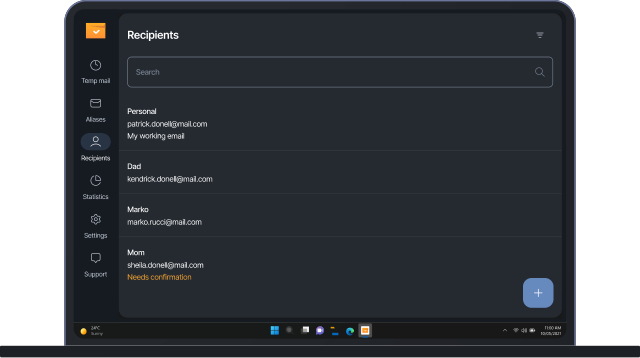
- A recipient is your personal email address to which aliases forward emails. You can link multiple aliases to a recipient and multiple recipients to an alias.
- Yes, aliases forward emails with attachments.
- You can reply to emails received via your aliases. This feature is available in the full version of the app.When you reply to such an email, your reply is first sent to AdGuard Mail, which then forwards it to your correspondent. They won't see your real email address because the email is sent to them from your alias.However, your correspondent may see your real address if you have included it in your automatic signature in your email client. Please check your personal information before sending a reply.
- Yes, you can. In this case, though, you’ll be forwarding it from your personal email address. As a result, the recipient will know your real address, alias, and the full content of the message.
- Disable the compromised alias in the alias menu. Emails sent to it won’t be forwarded anywhere.
General questions
- Yes, they are. Our email forwarding service doesn’t have access to your messages. Plus, we use secure SMTP connections whenever possible to protect your emails from unauthorized access. You can check out our Privacy policy and Terms of service for more information.
- AdGuard Mail offers free core features to protect your personal email account from spam and exposure. To protect more accounts, unlock advanced features, and remove limits, you need to buy a subscription.
- We’ll notify you about new features at the email address you provided when you signed up for AdGuard Mail. You can also follow us on social networks to discuss AdGuard Mail with other users!
- If you have any questions or want to suggest new features, feel free to contact our support team at support@adguard-mail.com.
- AdGuard Mail has apps for Windows, macOS, Android, and iOS, as well as a web interface. View all platforms
- Cool! You can recommend us to your friends or buy a subscription.And if you’re looking for more privacy tools, check out our other products.
Enjoy AdGuard Mail for free
All done! Something went wrong Subscribe to our news